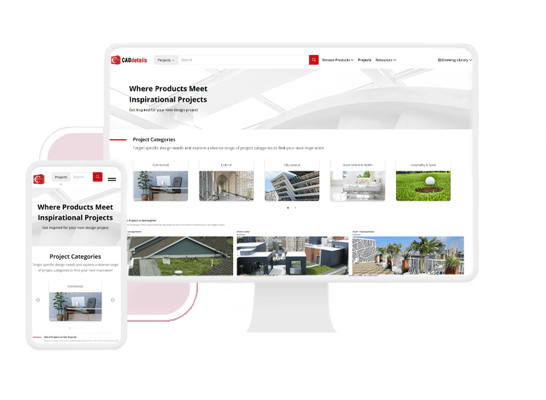
Put a Spotlight on Your Products
Here are 3 reasons to promote your projects on CADdetails.com:
- Spark AEC Creativity: Show off your products in the context of architectural masterpieces to motivate design professionals to source them for upcoming projects.
- Boost Your Brand Exposure: Take advantage of the Projects section of your CADdetails profile and get featured on our Project Gallery landing page which attracts up to 16,000+ views per month!
- Build Credibility: Position yourself as a trusted manufacturer by highlighting how your products are used in successful, real-world projects.
Why Specifiers Love Seeing Your Projects
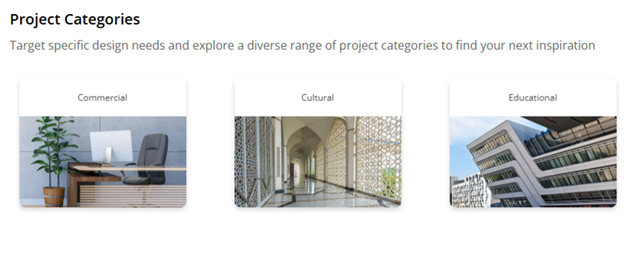
Targeted Project Categories
With a wide range of curated categories, AEC professionals can easily browse and discover projects that match their interests. These categories ensure that your products are always showcased in the right context, making it easier for specifiers to find and select them.
Seamless Navigation
With a clean layout, expanded project details, and larger images, specifiers can quickly find inspiration and access key product information. Make it easy for AEC to explore and engage with your projects in the click of a button!
“New Project” Tags
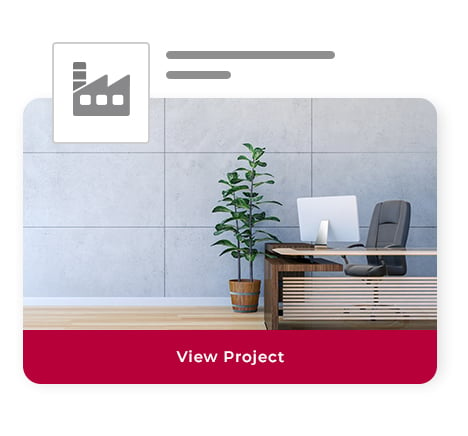
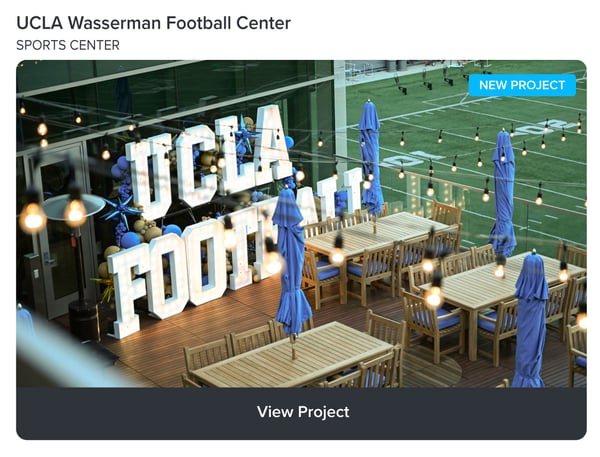
Newly added projects are highlighted with a blue “New Project” tag, signaling your project as the latest addition to our gallery. This helps specifiers quickly spot fresh content and boosts your visibility where it matters most.
How to Set Up Your Project Gallery
Adding a project to your profile is easy! Simply provide your Onboarding Specialist or Client Success Manager with the following details for each project you’d like to feature:
- Project details
- Project name
- Project location
- Firm/architect/installer
- Year
- Project description (500 words max.)
- What did the customer ask for?
- What problems did you solve?
- Why did the customer choose you for this project?
- High-resolution images (25 max.)
- Links to related videos, product brochures, and other relevant resources
Ready to showcase your projects to the AEC community?
Contact clientsuccess@caddetails.com to get started.